This article is for managed IT clients. Need help? Submitting a support ticket only takes a minute — just follow the steps below.
- Click on the J2 icon in your toolbar.

- If you don't see the icon in your toolbar, click the up arrow in your system tray and look for the J2 icon.


- If you don't see the icon in your toolbar, click the up arrow in your system tray and look for the J2 icon.
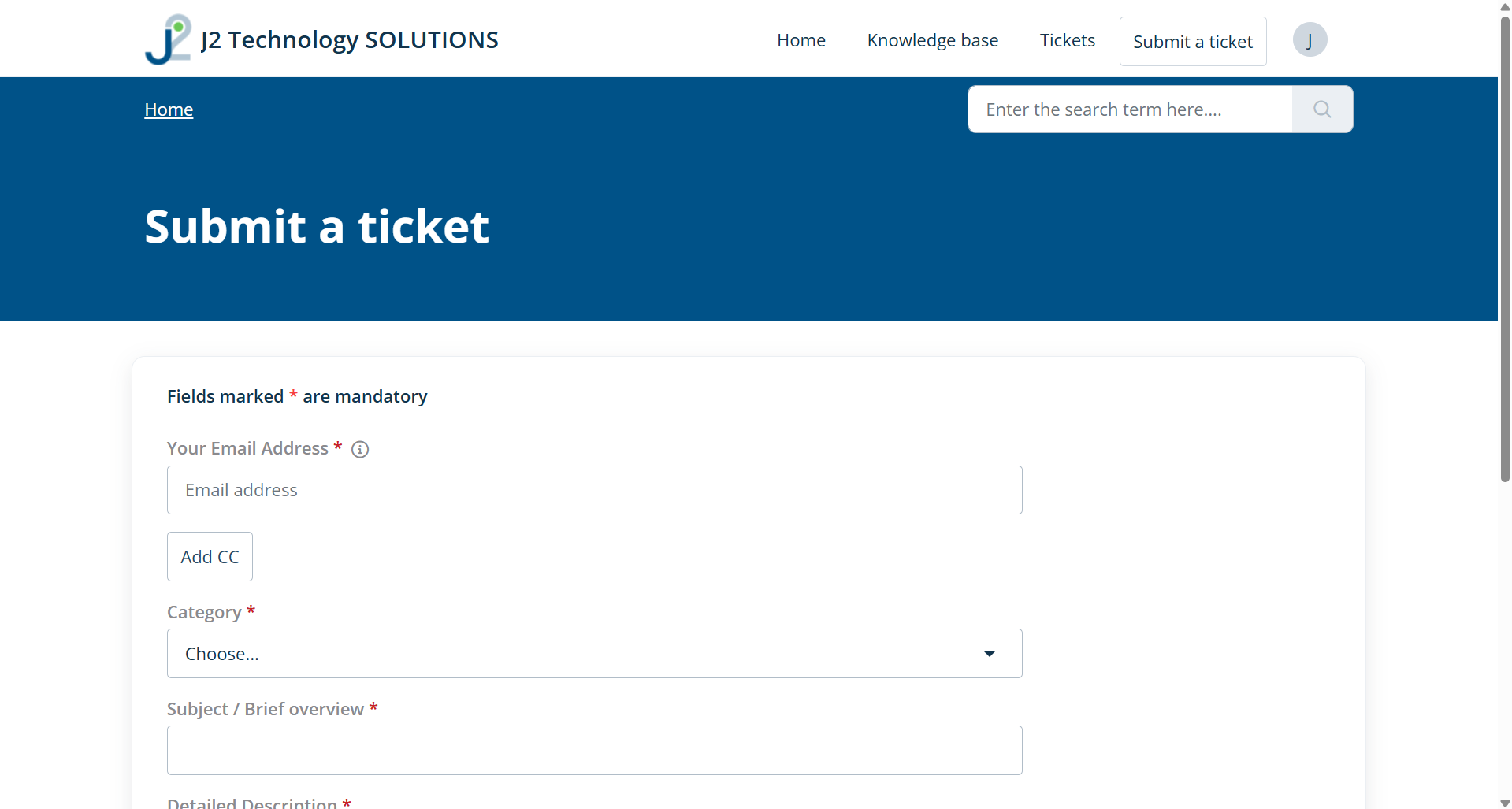
- Choose Submit a Support Ticket. This will open a web browser with a form.

- Complete the form and click Submit.
- For additional assitance on completing the form, please email us at help@j2nj.com.
Was this article helpful?
That’s Great!
Thank you for your feedback
Sorry! We couldn't be helpful
Thank you for your feedback
Feedback sent
We appreciate your effort and will try to fix the article